
Automated UI testing
 UI test automation
TestComplete: Turn critical user journeys into repeatable automated UI tests.
TestComplete supports desktop, web and mobile UI automation with scriptless and scripted approaches. Evaluate it against the applications, skills and execution environments your team actually has.
Share your business details with Genesis, then continue through the official SmartBear trial handoff. Review product-fit questions first.
Start with your context
Which UI journeys create the greatest release risk?
- Application or API scopeDefine
- Team workflow and skillsMap
- Environment and constraintsReview
Next stepTurn product features into evaluation questions.
Approved SmartBear partner in APACProduct access with technically informed guidance for better-informed decisions.
Discuss your requirements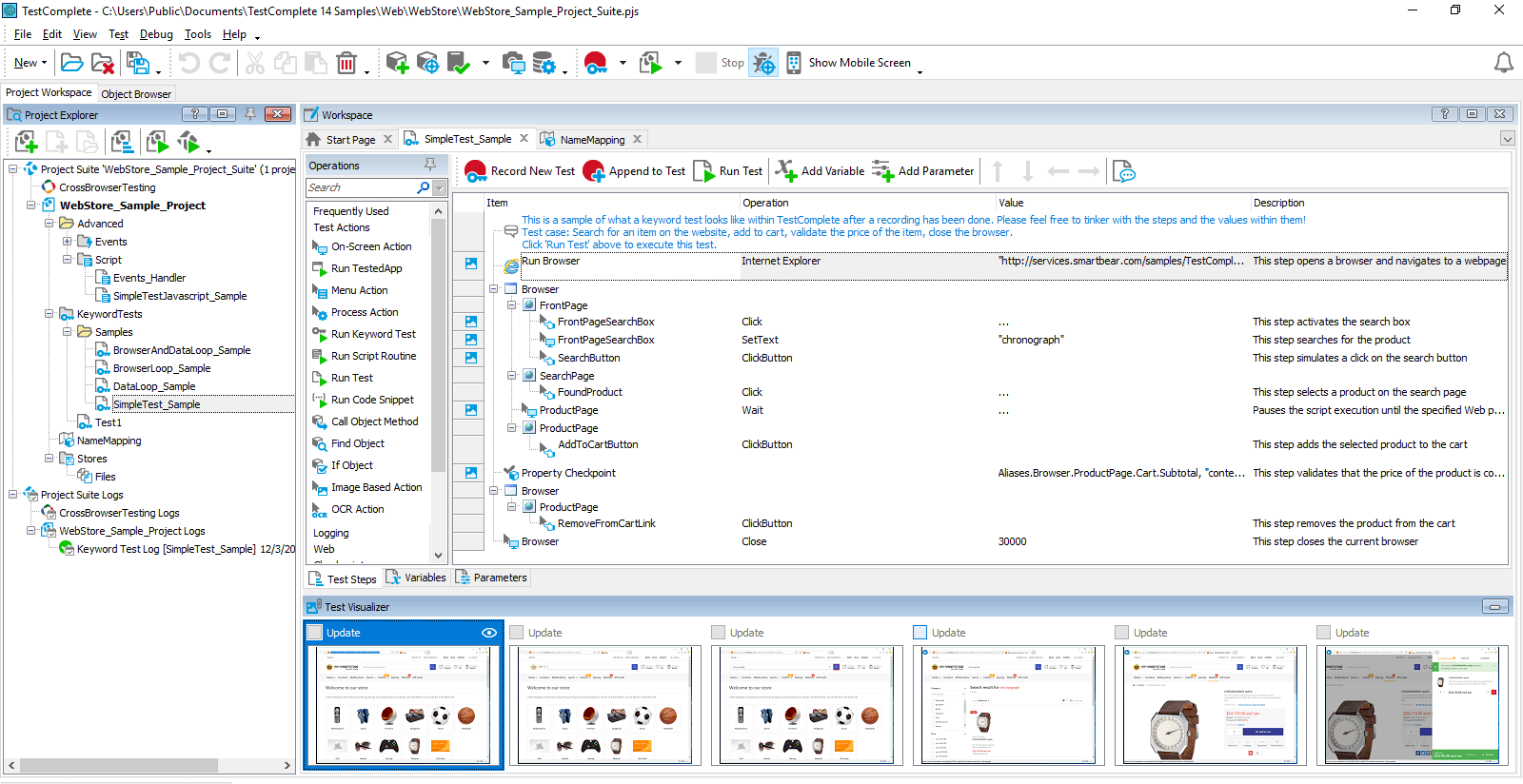
Product fit
A strong candidate when UI regression work is difficult to scale.
TestComplete is designed for automated functional UI testing across desktop, web and mobile applications. Its keyword-driven and scripted approaches can support teams with different automation skills.
Review official SmartBear product informationWhat applications must be covered?
Desktop, browser and mobile scope changes the evaluation.
Who will create and maintain tests?
Authoring skills and ownership influence the right approach.
Where and how will tests run?
Execution environments, browsers and delivery integration matter.
Verified product scope
Core areas to evaluate in TestComplete
The relevant value depends on application technology, test design, execution model and maintainability—not the length of a feature list.
Desktop, web and mobile
Automate functional UI testing across multiple application types.
Scriptless and scripted authoring
Use keyword-driven workflows or supported scripting approaches.
Object identification
Recognize and map application objects for repeatable interactions.
Reusable test design
Structure repeatable tests with modular and data-driven approaches.
Delivery integrations
Connect testing with commonly used development and CI/CD workflows.
Results and diagnostics
Review test outcomes and supporting information after execution.
Before choosing
Good guidance starts with the right questions.
Genesis does not promise a universal answer. The useful starting point is understanding your applications, delivery model, team and constraints before mapping them to product capabilities.
Discuss your workflowUseful context to bring
- Critical application technologies and user journeys
- Current manual or automated regression process
- Test authoring skills and preferred languages
- Execution environments and CI/CD expectations
- Maintenance challenges in the existing test suite
This is product guidance—not a promise of 24/7, local or ongoing support. Any formal service scope must be separately agreed.
Frequently asked questions
Resolve the first questions before the first meeting.
Answers are intentionally concise and based on current official SmartBear product information.
What application types can TestComplete test?
SmartBear positions TestComplete for automated UI testing across desktop, web and mobile applications.
Does every tester need to write code?
No. TestComplete supports keyword-driven, scriptless workflows as well as scripting for teams that need more control.
What should we evaluate first?
Start with application technologies, critical journeys, test ownership, execution environments and maintainability expectations.
What can we discuss with Genesis?
You can discuss product fit, workflow context, evaluation considerations and commercial questions. Any formal service or support scope must be agreed separately.
TestComplete evaluation
Ready to take the next evaluation step?
Start the product-specific handoff, or discuss your workflow with Genesis before requesting access.